If you lose access to your Authenticator app due to a phone replacement, loss, or theft, use the backup code you saved when setting up two-factor authentication (2FA).
To regain access to the Authenticator app:
- go to the Nmbrs Accounting login page and enter your email address.
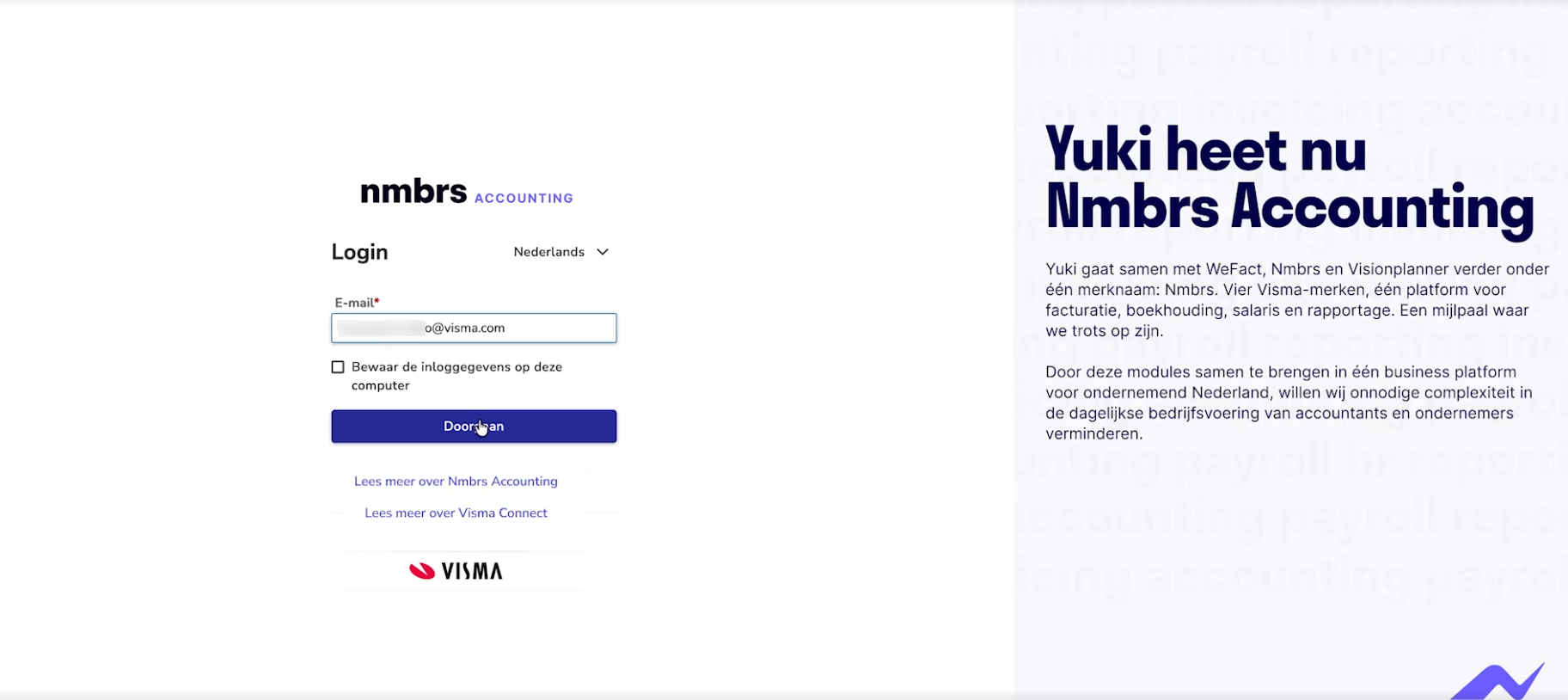
This will automatically take you to Visma Connect.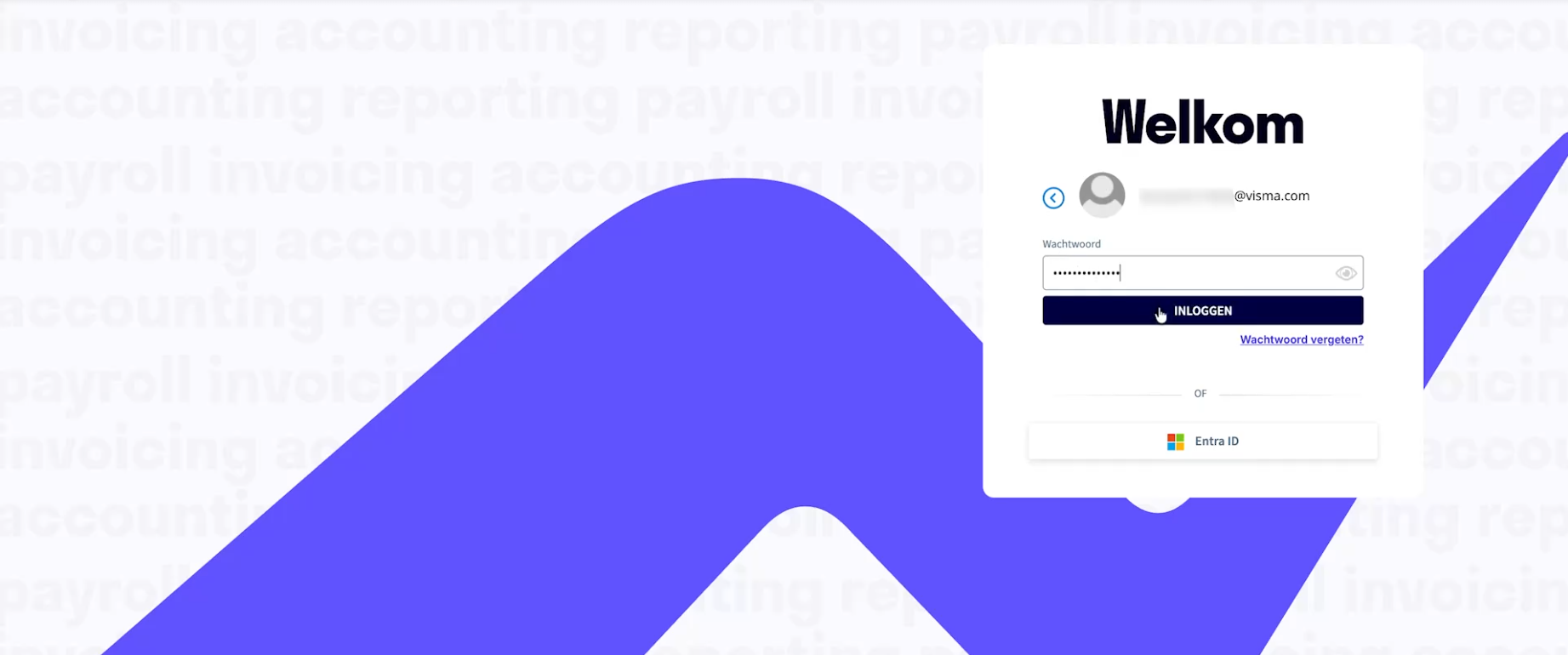
- then enter your password
- click on the Log in button
The following screen is opened: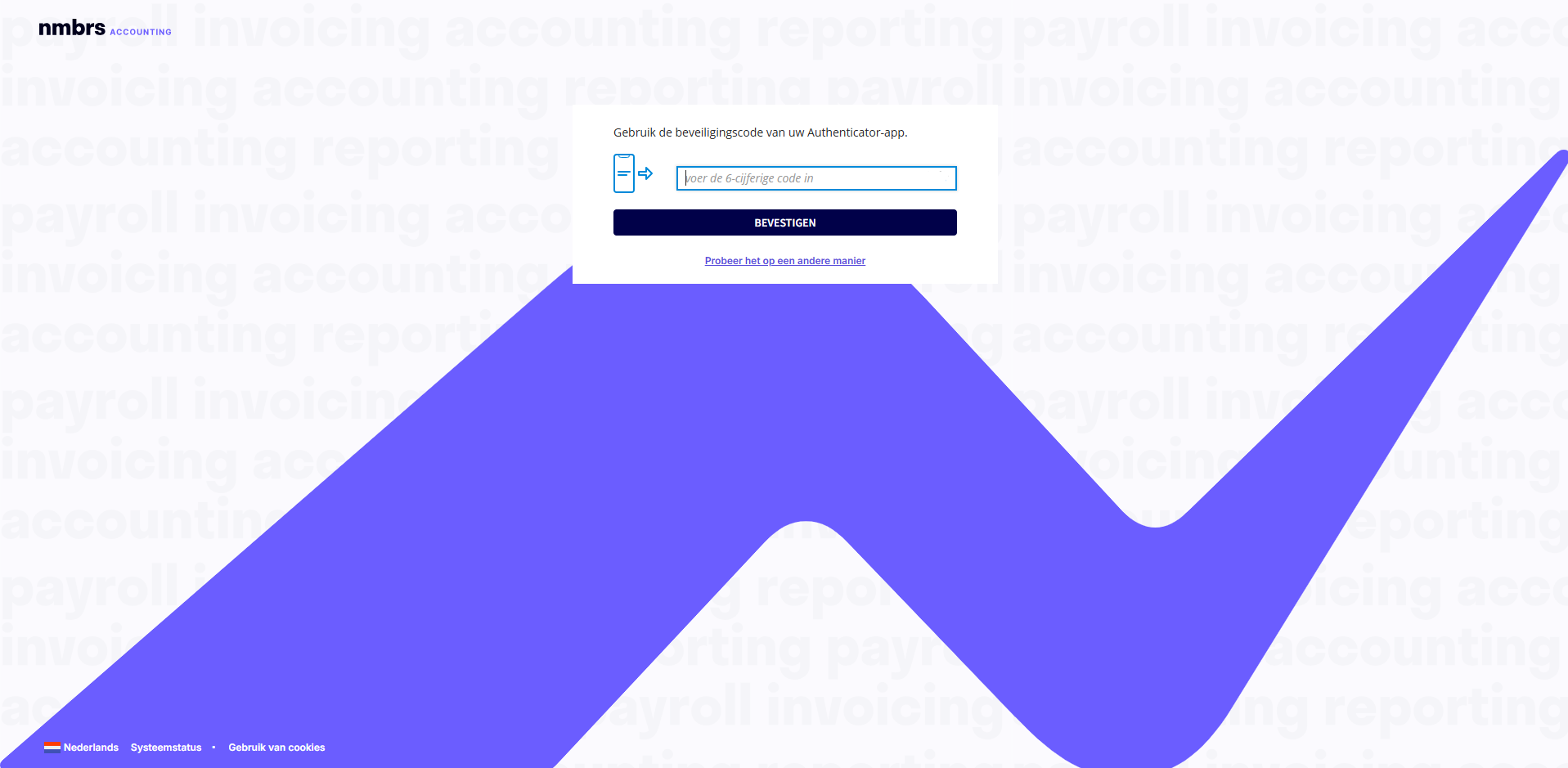
- Click on Try another way link
The following screen is opened: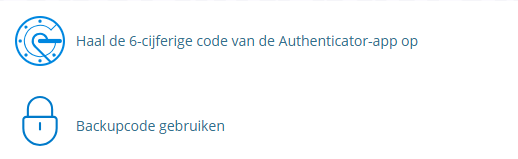
- Click on the Use backup code option
The following screen is opened: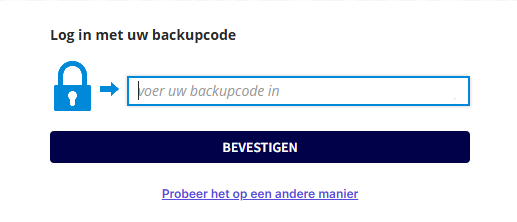
- enter your backup code
- then, click on the CONFIRM button.
Was this article helpful?
That’s Great!
Thank you for your feedback
Sorry! We couldn't be helpful
Thank you for your feedback
Feedback sent
We appreciate your effort and will try to fix the article