Disclaimer
All screenshots in the article were taken in the Dutch version of Nmbrs Accounting.
In this overview all the draft and finalized SEPA collection files are shown.
Click on the Bank icon on the navigation bar, click on Collect and then, in the now-opened screen, click on Collection history.
The following screen is opened:
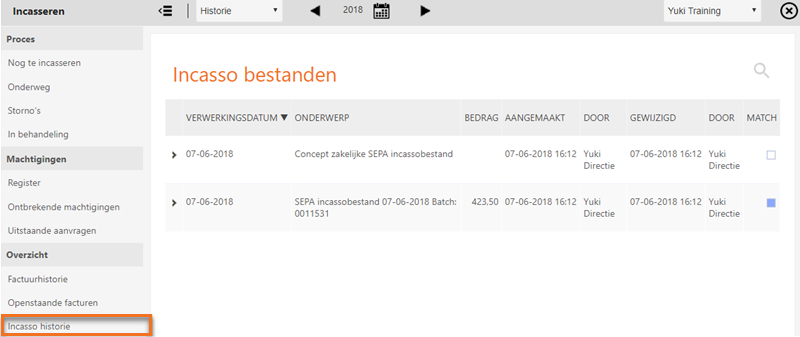
Click on > in front of the relevant collection file in order to view all invoices that are included in a SEPA collection file.
Was this article helpful?
That’s Great!
Thank you for your feedback
Sorry! We couldn't be helpful
Thank you for your feedback
Feedback sent
We appreciate your effort and will try to fix the article