Disclaimer
All screenshots in the article were taken in the Dutch version of Yuki.
It is possible to import and/or export sales items in Sales Standard.
Import sales items
To import sales items:
- click on the Sales icon in the navigation bar
- click on Sales Items
- click on the Import sales items button
The following screen is opened:
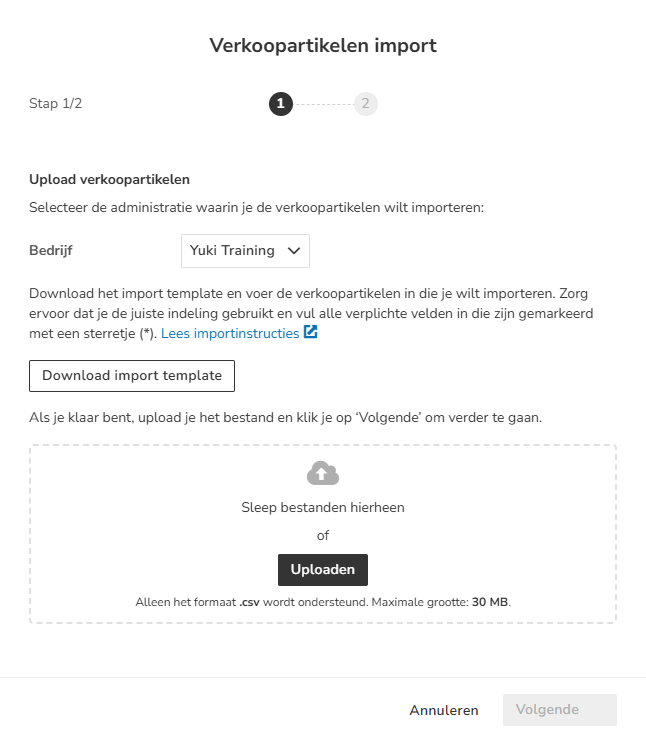
Follow both steps to import the sales items.
For a detailed description, see article Sales Standard - Import sales items.
Export sales items
To download all columns shown in the sales item overview, click on the Download as CSV button (cloud icon with a downward arrow).

Was this article helpful?
That’s Great!
Thank you for your feedback
Sorry! We couldn't be helpful
Thank you for your feedback
Feedback sent
We appreciate your effort and will try to fix the article