Disclaimer
All screenshots in the article were taken in the Dutch version of Yuki.
A created sales item is always automatically added to the price list of the selected administration in a domain.
To create a new sales item:
- move your mouse over the Sales icon in the navigation bar
- click on Sales items
- click on the Create item button.
The following screen is opened:
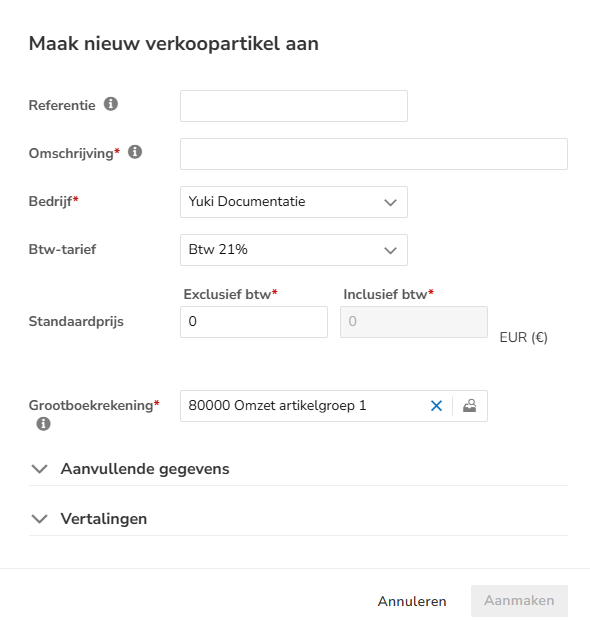
For a detailed description of the fields to be entered, see article Sales Standard - Create sales item.
Was this article helpful?
That’s Great!
Thank you for your feedback
Sorry! We couldn't be helpful
Thank you for your feedback
Feedback sent
We appreciate your effort and will try to fix the article