Disclaimer
All screenshots in the article were taken in the Dutch version of Nmbrs Accounting.
You've learned a lot about Nmbrs Accounting in attending basic training. There is a lot involved in starting up Nmbrs Accounting. To make getting started as smooth as possible, we have created clear start-up manuals. The manuals can be found on the For entrepreneurs and For accountants tiles.
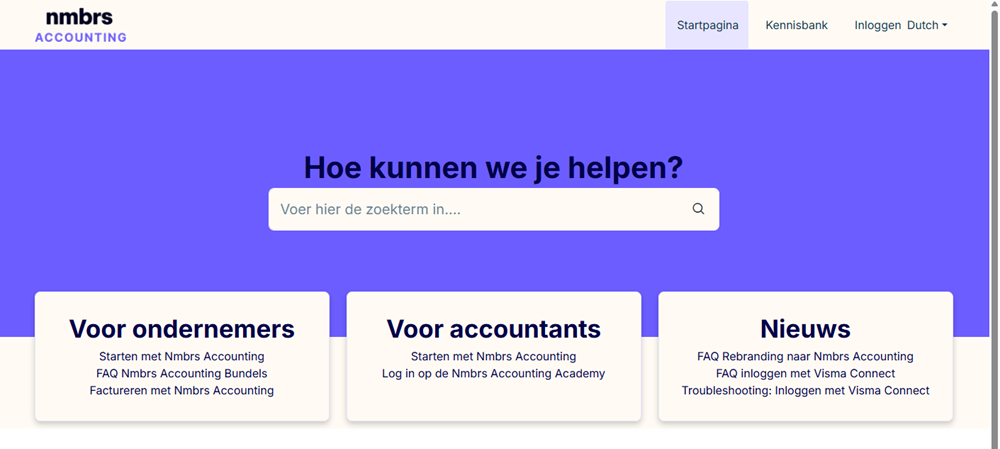
Manual for entrepreneur
Are you a entrepreneur using Nmbrs Accounting through an accounting office/accountant? Then click on the link Getting started with Nmbrs Accounting. In the Basics for entrepreneur folder, you will find the article Start with new domain (entrepreneur), which describes all the steps needed to get your administration(s) up and running in your domain. Entrepreneurs can go here for information on information to be supplied about the business, how to submit documents in Nmbrs Accounting, and how to view processed data.
Manual for accounting firm/accountant
Are you an accounting office/accountant? Then click on the link Getting started with Nmbrs Accounting. In the Basics for accounting firm/accountant folder, you will find the article As an accountant, how do I get started with Nmbrs Accounting? which describes all the steps required to get the domains in your new portal up and running.
In addition, you'll come across the directory overview (read steps) that will help you get started as an administrative office or accountant. By following the step-by-step guide, you can quickly get started with Nmbrs Accounting effectively. For example, as an administrative office/accountant, you can go here to create users, prepare the administration for use, and process the first transactions.
By consulting both manuals from the beginning of using Nmbrs Accounting, both parties have a good understanding of how to use Nmbrs Accounting. Putting effort into this together from the beginning will lay an excellent foundation and make accounting within Nmbrs Accounting easier and easier.
Was this article helpful?
That’s Great!
Thank you for your feedback
Sorry! We couldn't be helpful
Thank you for your feedback
Feedback sent
We appreciate your effort and will try to fix the article