Disclaimer
All screenshots in the article were taken in the Dutch version of Yuki.
To view the outstanding items in your administration, click on the Financials icon inthe navigation bar and then click on Debtors, Creditors, or CA employees.
The following screen (Creditors in this example) is opened opens with the view you last saw:
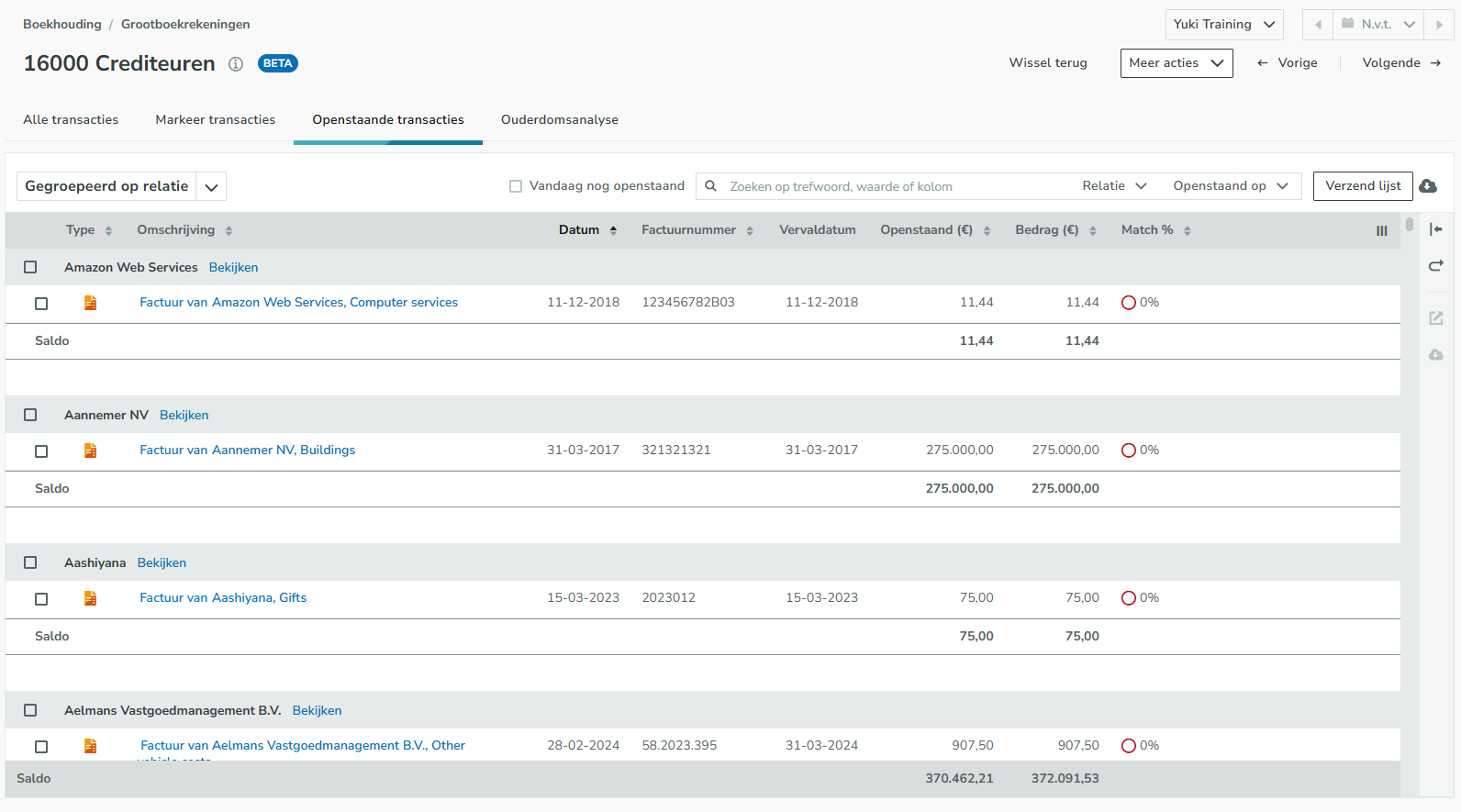
The data in this overview can be downloaded as a CSV, as a PDF, or as a PDF (extended).
For a detailed description of the outstanding items, see the article Debtors/Creditors/CA employees (outstanding items).
ATTENTION!
From this screen, a user with the 'Back office' role in the domain or the 'Financial administration' or 'External accountant' role can:
- send the list of outstanding items to the user
- match the outstanding items in bulk
- post-edit an outstanding item.
Was this article helpful?
That’s Great!
Thank you for your feedback
Sorry! We couldn't be helpful
Thank you for your feedback
Feedback sent
We appreciate your effort and will try to fix the article