Disclaimer
All screenshots in the article were taken in the Dutch version of Nmbrs Accounting.
In Nmbrs Accounting, it is possible to manually create quotations and then send them by mail or email to your potential customers.
You can create quotations from two places in Nmbrs Accounting:
- Click on the Sales icon in the navigation bar, then click on Dashboard if necessary. Select the Quotation menu option from the drop-down menu of the Create button....
- Click on the Sales icon in the navigation bar, click on Quotations and then click on the New Quotation button in the now-opened screen.
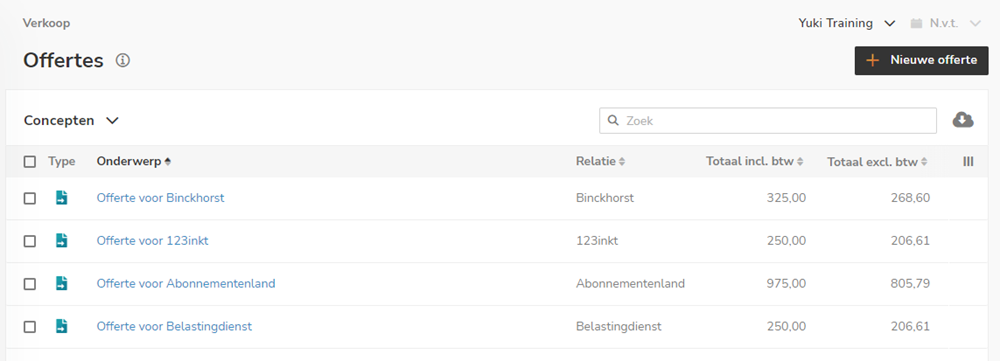
For a detailed description of how to create a quotation, see article Create, send and handle quotation.
Was this article helpful?
That’s Great!
Thank you for your feedback
Sorry! We couldn't be helpful
Thank you for your feedback
Feedback sent
We appreciate your effort and will try to fix the article